Six digital signage platforms have a free plan you can keep: Yodeck (1 screen), OptiSigns (3 screens), DigitalSignage.com (3 screens), PosterBooking (10 screens with a watermark), Play Digital Signage (1 screen, if you post a review) and AbleSign (no per-screen charge, 500 MB of storage). Xibo and Anthias are open source if you host them yourself.
For one screen with no budget, Yodeck's free plan is the most complete. Every free plan has a limit that pushes a growing business to pay.
Free digital signage plans compared
From each vendor's own pricing page and plan comparison (read September 2026):
| Platform | Free for | Main limits | First paid plan |
|---|---|---|---|
| Yodeck | 1 screen, no time limit | One screen only. You supply the player. | $8 per screen per month (Basic) |
| OptiSigns | Up to 3 screens, 3 users | OptiSigns logo on screen. 25 apps, 1 GB storage, 25 MB per file. No schedules, zones or templates. Runs only on OptiSigns players, Windows, Linux and Raspberry Pi, so no Fire TV or Signage Stick. | $9 annual, $10 monthly (Standard) |
| DigitalSignage.com | Up to 3 screens | 1 GB of cloud storage, one login. | From $3 per screen per month (mediaCLOUD+) |
| PosterBooking | Up to 10 screens | Watermark on screens. Screens 11 and up cost $6.49 each per month. | $52 per month for 10 screens (Home Basic) |
| Play Digital Signage | First screen | You must post a review within 30 days. | $8 monthly (Essential) |
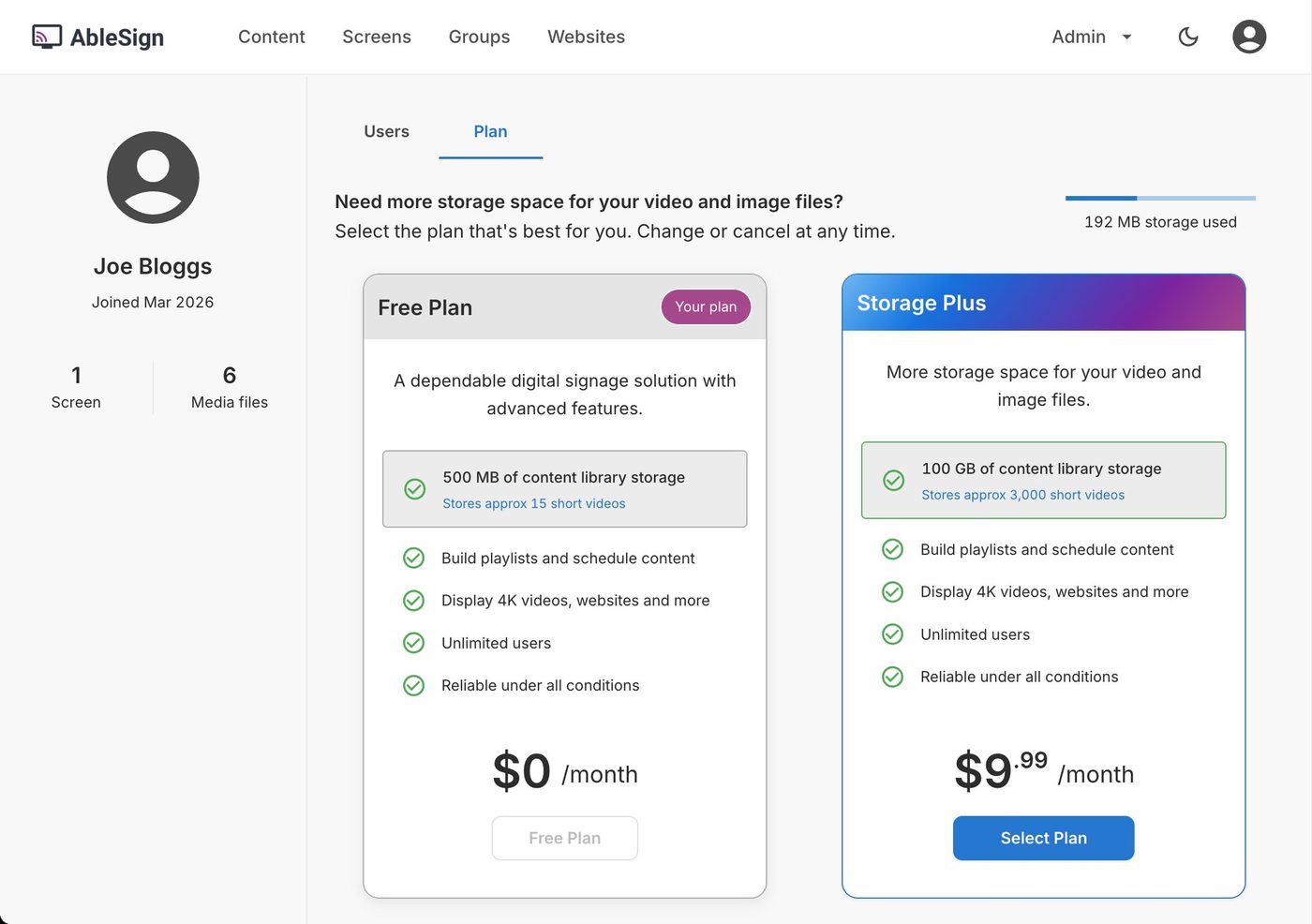
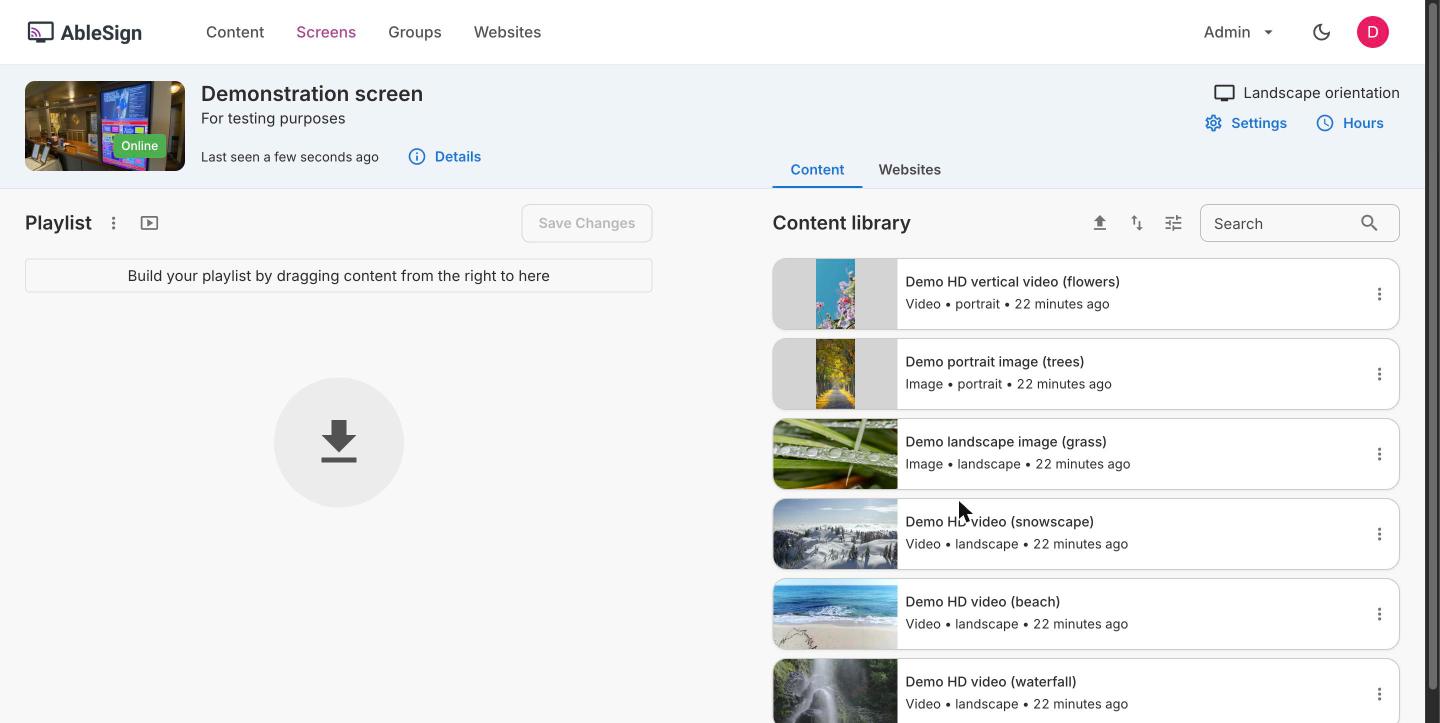
| AbleSign | No per-screen charge | 500 MB of storage (about 15 short videos). Short feature set: playlists, schedules, playback. Runs on Android 7+, the Signage Stick, Fire TV Stick, BrightSign and browsers. | Storage Plus, 100 GB for $9.99 a month |
| Xibo (self-hosted) | Open-source CMS (AGPLv3) and Windows player | You run the server, database, backups, upgrades, bandwidth and storage, with community support only. Android, webOS, Tizen and ChromeOS players are paid licences (£20 to £60 each). | Hosted plans £3.50 to £9.00 per display per month |
| Anthias (by Screenly) | Unlimited, self-hosted | Open source. You install and run it on your own Raspberry Pi or PC; there is no vendor cloud. | None (Screenly is the paid cloud product) |
Rise Vision, ScreenCloud, Kitcast, TelemetryTV and Brix have free trials but no free plan.
Which free plan should you pick?
- One screen, no budget: Yodeck Free. It has all Basic features on one screen. Plan for the player: a Raspberry Pi, a Signage Stick or a Fire TV.
- Two or three screens, a test only: OptiSigns Free or DigitalSignage.com Free. The OptiSigns logo and the missing schedules make its free plan unsuitable for customer-facing screens.
- Up to 10 screens, and a watermark is acceptable: PosterBooking. On a menu board or a shop window, a watermark looks unprofessional; removing it costs $52 per month.
- You are technical and want no vendor at all: Anthias on a Raspberry Pi.
What free plans cost you in other ways
- A watermark or logo on screens your customers see.
- No schedules. Breakfast and lunch menus, or weekday and weekend promos, need a schedule. OptiSigns Free has none.
- Storage caps. 1 GB holds about 15 minutes of 1080p video at a typical bitrate.
- The player. Free software still needs hardware: a Signage Stick is $99.99, a Raspberry Pi from $35 plus case and power.
- Your time. Self-hosted software means you do the updates, backups and troubleshooting.
- The upgrade. When you add a second screen on Yodeck, you pay for both. Check the paid price before you build your content in a free plan. If Yodeck's paid price is the problem, see the best Yodeck alternatives.
Free trials: test the paid plans first
A trial gives you every feature for a short time. Most need no card.
| Platform | Trial |
|---|---|
| Yodeck | 30 days, up to 5 screens |
| TelemetryTV | 30 days |
| NoviSign | 30 days |
| OptiSigns | 14 days, no card |
| Kitcast | 14 days, all Pro features, no card |
| ScreenCloud | 14 days, up to 5 screens |
| Rise Vision | 14 days, no card |
| Juuno | 7 days, no card |
| Brix | 7 days, no card |
The do-it-yourself route
A USB stick in the TV, a photo slideshow, or Google Slides cast to a Chromecast costs nothing. None of these has remote management: to change the content, someone walks to the TV.
If the TV restarts after a power cut, the slideshow often does not come back. It works for one screen you can reach. It does not work for a second location.
What self-hosting really costs
Open source (Xibo, Anthias) has no licence fee for the CMS, but the running costs move to you:
- A server: a web server and a database that you rent or run, sized for your screens.
- Backups: you set them up and test that they restore.
- Updates: you install CMS version upgrades and security patches yourself.
- Bandwidth and storage: every video goes from your server to every player, so you pay for the traffic and the disk.
- Player licences (Xibo): Android £20, webOS or Tizen £60, ChromeOS £35 per player (the Windows player is free).
- Your time: someone on your team fixes it when a screen stops updating.
- No support line: self-hosted Xibo comes with community support, and the help desk covers only what you buy. Anthias has no paid support at all.
Xibo itself says self-hosting typically costs more to own than its hosted plans. Self-hosting makes sense if you are technical, on a very small budget, or must host the software yourself.
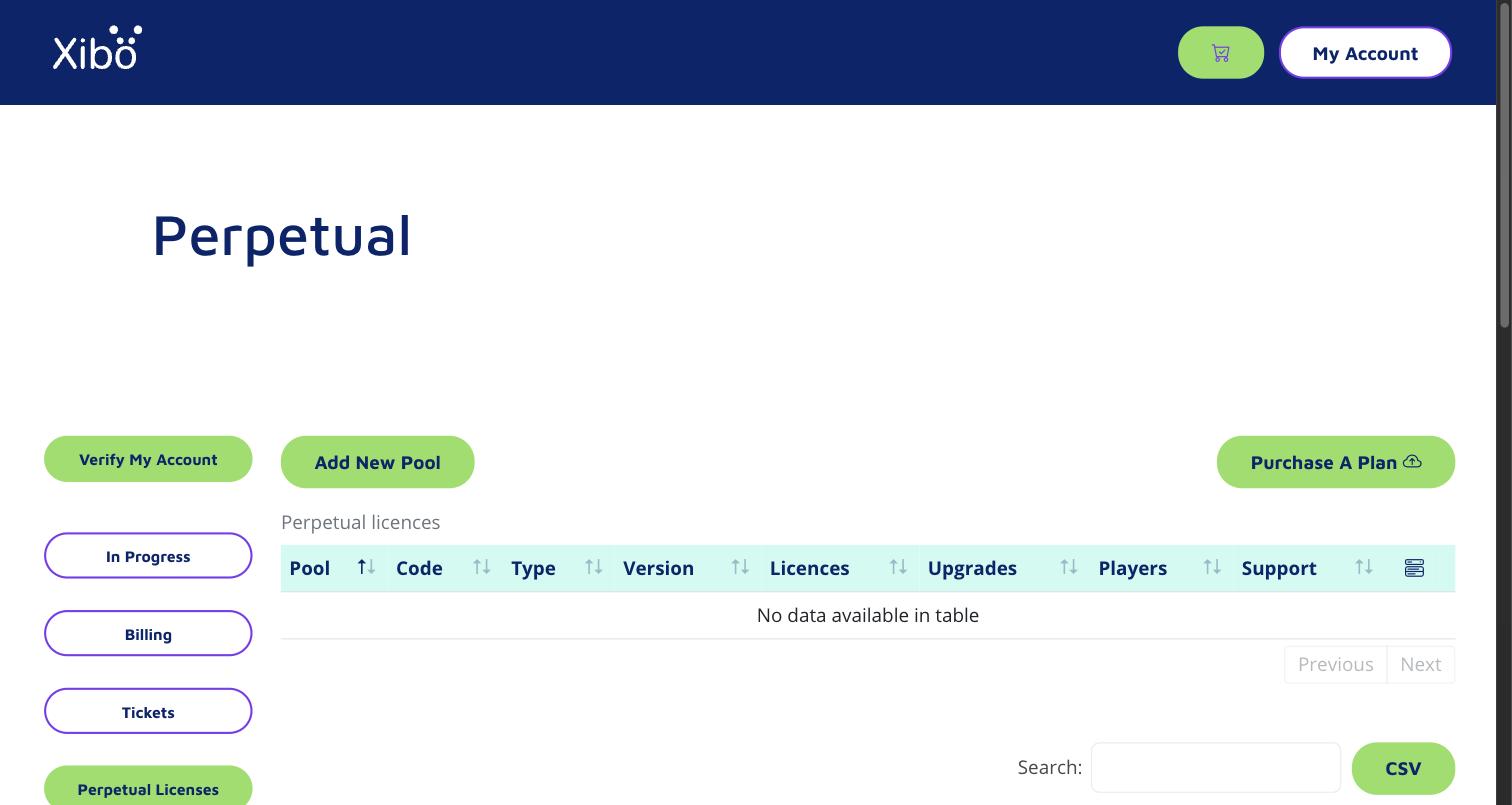
Even Xibo's hosted sign-up takes extra steps: a new account opens on a licensing portal, and the CMS where you make content is a separate step.
When paying is the better deal
Pay when you need any of these: more screens than the free plan allows, a schedule, no watermark, an alert when a screen goes offline, or someone else to fix the software. At that point, compare the paid plans in cheap digital signage software and best digital signage software.
Brix has no free plan. It costs $6 per screen per month billed annually, or $8 billed monthly, with every feature on one plan and US-based support 7 days a week: $360 a year for 5 screens on annual billing. It runs on the Amazon Signage Stick, Fire TV, Android boxes, TVs with Google TV built in, and Windows. Brix is not the right pick if you need one screen for free: use Yodeck for that.
Frequently asked questions
Is there free digital signage software with no subscription at all?
Yes. Anthias is open source and free on any number of screens, but you host and maintain it. Mvix has no subscription either, but it is not free: you buy its player once ($450 and up) with the software included.
Can I use free digital signage on a Fire TV or Amazon Signage Stick?
Yodeck's free plan runs on the Signage Stick and Fire TV. OptiSigns' free plan does not: it runs only on OptiSigns players, Windows, Linux and Raspberry Pi.
Start a free 7-day Brix trial. No card needed.