Wi-Fi that asks for a username?
The Stick cannot join WPA2 or WPA3-Enterprise networks, which most offices, schools and hospitals use. Use a guest network with a password, or the Ethernet adapter. Network requirements
The Amazon Signage Stick is Amazon's $99.99 4K player built only for signage. Choose Brix Signage during its setup and the TV plays your menu, offers or notices in about 10 minutes. Then reboot the Stick, see its screen and turn the TV off at night from your desk.
7-day free trial · No card needed · Pair your Stick before you pay

A 4K HDMI stick that Amazon builds only for signage. It has no streaming apps and no home screen: it boots straight into the signage software you chose at setup, and stays there.
Amazon gives approved signage software a device agent on the Stick. That agent is what lets Brix control the Stick itself, not only the app on it.
| With Brix on it | Amazon Signage Stick | Fire TV Stick or Android TV box (such as onn) |
|---|---|---|
| After a power cut | Starts straight into Brix | Starts the home screen, then Brix if you allowed it to start on its own |
| Other apps | None. Staff cannot open streaming apps | Streaming apps one button away |
| Reboot from Brix | Yes | No |
| TV on and off from Brix (HDMI-CEC) | Yes | No |
| Screenshot of the TV, video included | Yes | Video shows black unless someone at the screen accepts a prompt |
| Change the Wi-Fi from Brix | Yes | No |
| Portrait, video included | Yes, the whole display turns | Video may not turn without extra setup |
| Price | $99.99 | About $30 to $60 for an onn box |
The Fire TV and Android column is Brix installed from an app store. Restart the Brix app, clear its cache and set its volume work on both.
A cheaper box is fine for a screen you can walk to. For a screen at another site, behind a counter or in a public place, the Stick saves the trip. Signage Stick vs Walmart onn · Fire TV Stick for signage
It suits menus, offers, notices and dashboards on one TV per Stick, from one screen to a few hundred: restaurants, shops, gyms, schools and offices, especially screens at another site or where staff could change the TV.
The Stick cannot join WPA2 or WPA3-Enterprise networks, which most offices, schools and hospitals use. Use a guest network with a password, or the Ethernet adapter. Network requirements
No. One Stick drives one screen, so it cannot run a video wall. Use a player built for walls, such as a Windows PC. Stick and video walls
The Stick does not find a hidden network at setup. Show the network name while you set it up, or use the Ethernet adapter.
The Stick is rated for indoor use up to 35 °C (95 °F). Keep it away from grills, heater vents and direct sun.
The Stick takes no touch input. It is for screens people watch, not screens they tap.
Keep the Stick. Factory reset it and choose Brix Signage during setup. We move your content for free. Change the CMS
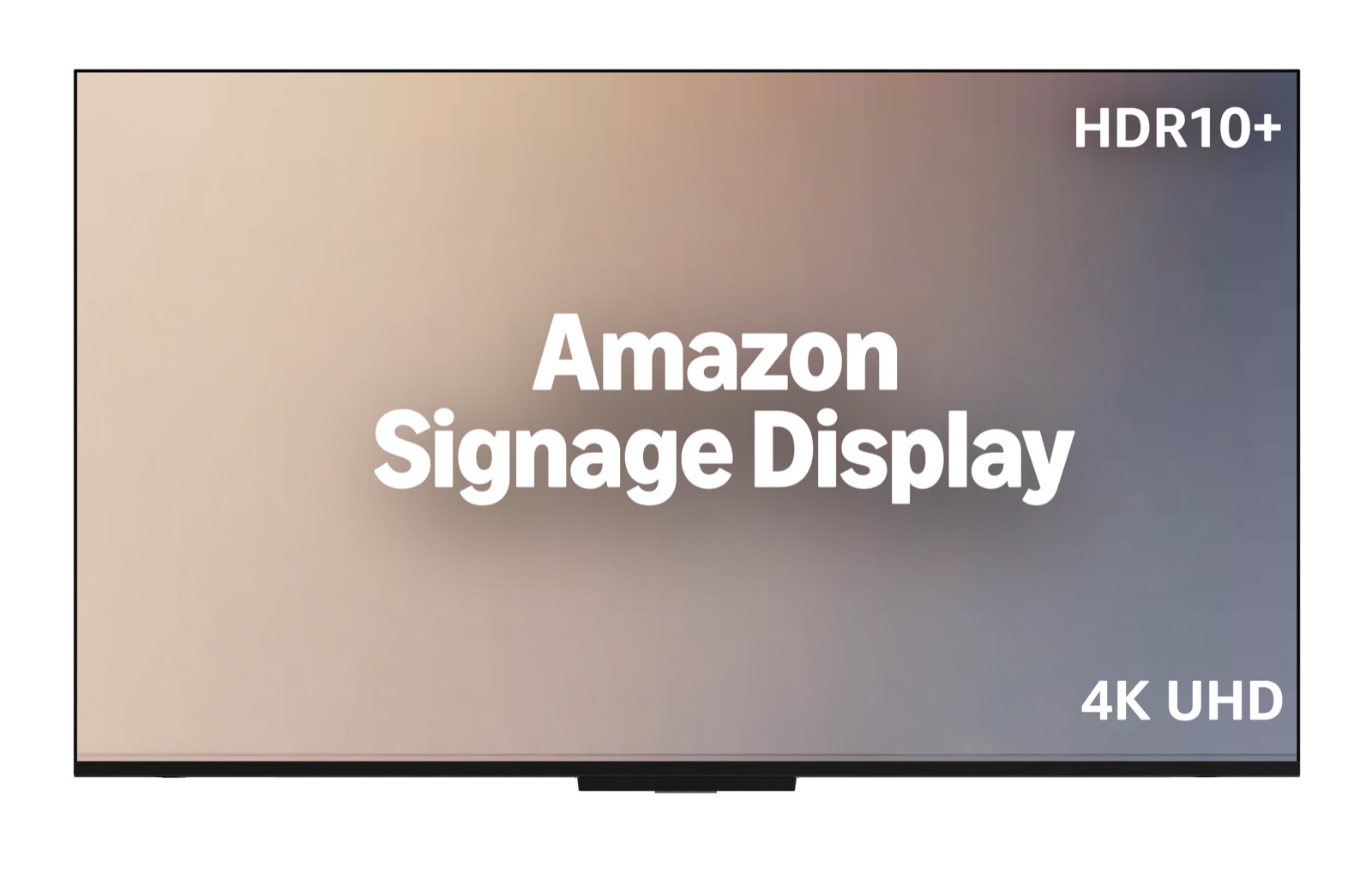
A 55-inch 4K screen with the Signage Stick's player built in: no HDMI cable, no second power plug. $699.99 in the US. It runs the same Brix app, set up the same way, for 18 hours a day in landscape. The Stick is still the best value if you already have a TV.
The Stick runs only the signage software (CMS) on Amazon's partner list, more than 80 providers. You choose one during setup and the Stick installs it. About 30 carry Amazon's Remote Management label, and Brix is one of them.
Plug the Stick into the TV's HDMI port and into a wall socket. A TV's USB port gives it too little power.
In the Amazon Signage app on your phone, add the Stick and connect it to Wi-Fi.
Choose Brix Signage. The Stick installs Brix in 5 to 10 minutes, then the TV shows a code.
In Brix, open Screens > Add screen > Pair a hardware device, type the code and pick a playlist.
Start your trial first, so your Brix account is ready when the code appears on the TV.
Change what every Stick plays from your computer or your phone's browser. Group the Sticks, such as every cooler TV, and one change reaches all of them.
| Screens | Signage Sticks, once | Brix, billed annually | Brix, billed monthly |
|---|---|---|---|
| 1 | $99.99 | $72 a year | $8 a month |
| 5 | $499.95 | $360 a year | $40 a month |
| 10 | $949.90 | $720 a year | $80 a month |
US prices. 10 Sticks at Amazon's quantity price of $94.99 each.
Only the CMS providers on Amazon's partner list, more than 80 of them. You pick one during the Stick's setup. Brix is on the list with Amazon's Remote Management label. Compare the main ones.
About 10 minutes a Stick, most of it the Stick installing Brix. Pairing it in Brix takes a median of 2.6 minutes. Save your Wi-Fi as a profile in Amazon's app and each next Stick is faster.
The Stick keeps playing the playlist saved on it, and picks up your changes when the connection comes back. Live apps, such as weather and web pages, need the connection.
Yes. A new screen runs 6:00 am to 11:00 pm. Outside those hours the Stick turns the TV off over HDMI-CEC. Set the screen to Always on for 24-hour stores.
There is no app to install. Brix works in your phone's browser, so you can change a screen from anywhere.
No. Every screen is $6 a month billed annually, or $8 billed monthly, with every feature. For rollouts of 30 or more screens, Amazon provides the Sticks free.
Yes, to set up the Stick in the Amazon Signage app. Use the same account for every Stick so they stay in one organization.
No. The Stick has no other apps to open, and only people with a Brix login can change what plays.
For screens at another site or in a public place, yes: it locks to signage and you can fix it remotely. Read the full Signage Stick review.
Book a call. We plan the rollout with you and answer your IT team's questions.
Start a trial with no card, pair your Stick and see your own content on the TV before you pay anything.