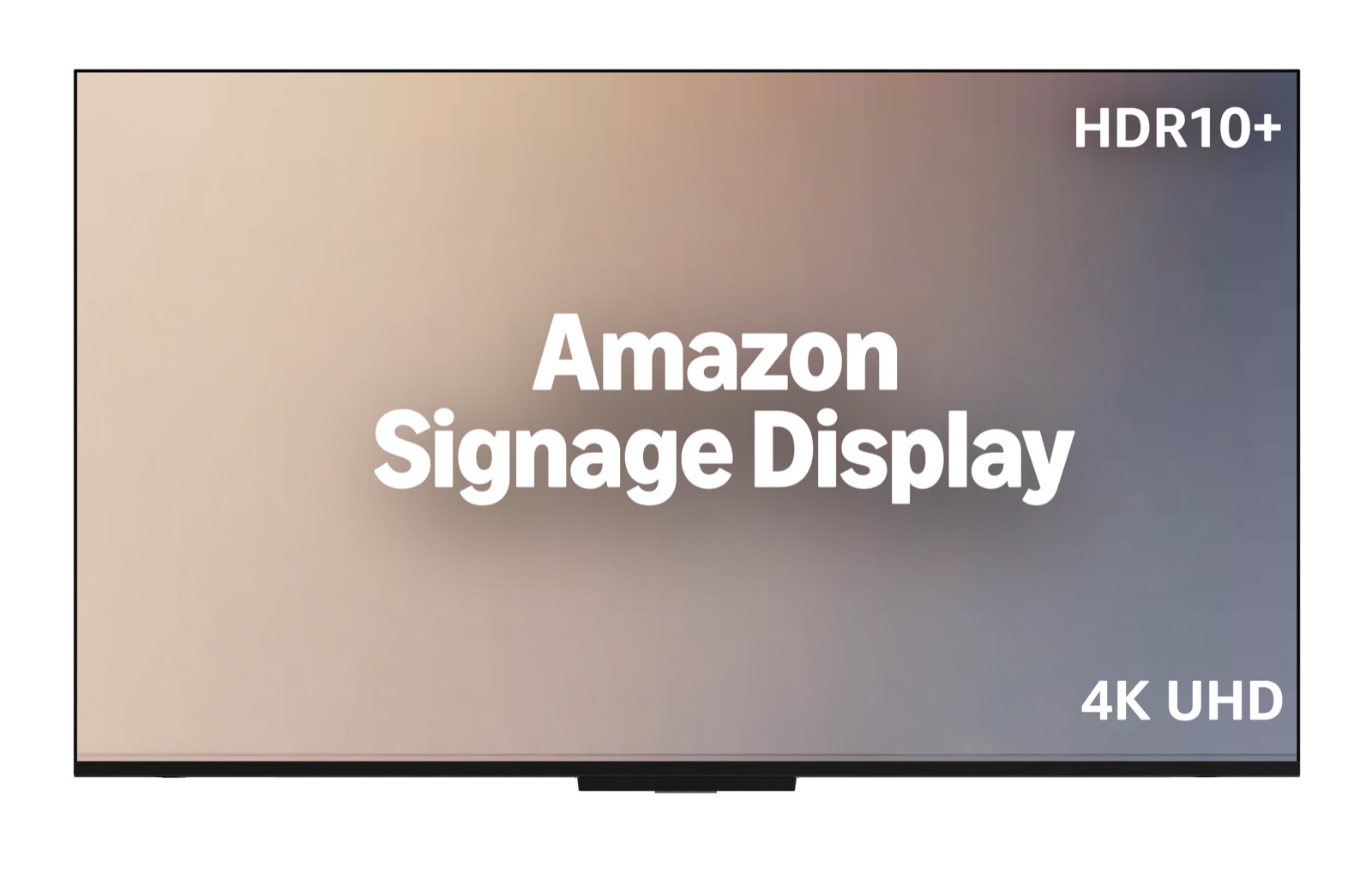
The Amazon Signage Display is a 55-inch 4K screen with a digital signage player built in. It went on sale in the US on October 15, 2026, at a suggested price of $699.99. It runs the same software as the Amazon Signage Stick: you set it up from the Amazon Signage phone app, it opens your signage software (CMS) in kiosk mode, and it works with the same 80+ CMS providers. It is built for indoor use up to 18 hours a day, 7 days a week, and Amazon supports it in landscape only. It is the simplest way to get one screen running with no separate player. It is not the cheapest.
What is the Amazon Signage Display?
It is an all-in-one signage screen. A normal signage setup is two devices: a TV and a player plugged into its HDMI port, such as the Amazon Signage Stick. The Display puts the player inside the screen. There is no player to buy separately, no HDMI cable to run and no second power socket.
It is not a TV. It has no TV tuner, no app store and no streaming apps, and Alexa is disabled. When it powers on, it opens the CMS you chose during setup and stays there, so staff cannot switch it to something else. You need a CMS subscription, which Amazon sells separately.
Amazon Signage Display specs
From Amazon's technical reference sheet:
| Spec | Amazon Signage Display |
|---|---|
| Screen | 55 inches, 4K UHD (3840 x 2160), HDR10+ |
| Brightness | 300 nits |
| Processor | Quad-core 1.908 GHz, 720 MHz GPU |
| Memory | 2.5 GB DDR |
| Storage | 16 GB |
| Network | Wi-Fi 6 or Ethernet (built-in port) |
| Casting | Miracast |
| Ports | 1x HDMI 2.1 (eARC and CEC), 3x HDMI 2.0, 1x USB-A 3.0 (5 V, 1 A) |
| Audio | 10 W + 10 W speakers, Dolby Audio |
| Power | 121 W average when on |
| Size and weight | 48.3 x 11.3 x 31.3 inches, 22 pounds |
| Wall mount | VESA 300 x 300 mm (mount sold separately) |
| Orientation | Landscape (horizontal) only |
| Hours of operation | 18/7 |
| Remote | Bluetooth, 2 AAA batteries included |
| Warranty | 1-year limited warranty |
| Security updates | At least three years after Amazon stops selling it new |
| Market | US only |
The built-in player is close to the Signage Stick: slightly slower processor, a little more memory, the same 16 GB of storage. That is enough for images, video loops, menu boards and layouts with a few zones. It is not built for many 4K videos at once or heavy web dashboards.
300 nits is normal for an indoor TV. It reads well in an office, restaurant or shop away from windows. It is not bright enough for a screen in direct sun or facing a shop window. Amazon rates it for indoor use only.
How much does it cost?
The suggested price is $699.99 in the US, sold on Amazon.com and Amazon Business. On top you pay for:
- A CMS subscription. Most cost $6 to $30 per screen per month.
- A wall mount (VESA 300 x 300), unless it stands on a table on its stand.
A 55-inch TV plus an Amazon Signage Stick usually costs less up front. The full comparison, with prices, is in Amazon Signage Display price.
How do you set it up?
The steps are the same as for a Signage Stick:
- Mount the screen or put it on its stand, plug it into power and, if you can, into Ethernet.
- Install the free Amazon Signage app on your phone and sign in with an Amazon account.
- Add the Display in the app and connect it to Wi-Fi if it is not wired.
- Choose your CMS from the list. The Display installs it and opens it.
- Pair the screen in your CMS, usually with a code the screen shows.
Display profiles, locations and the virtual remote in the app work the same as for Sticks. The Brix steps are in how to set up the Amazon Signage Display.
Can it run 24/7?
No. Amazon rates it for 18 hours a day, 7 days a week, and says it is not rated for continuous 24/7 use. That covers most shops, restaurants, offices and gyms, which close for at least six hours. Set a schedule in your CMS that turns the screen off at night. For a screen that must never go off, such as a 24-hour lobby, buy a display rated for 24/7. See can the Amazon Signage Display run 24/7?
Can it run in portrait?
Amazon designs it for landscape and does not support portrait. The screen itself has no rotation setting. Some CMSs, Brix included, rotate the content in software, so a Display hung on its side can still show upright content. That setup is outside Amazon's support, so check the warranty first. For a tall menu board or poster screen, a TV on its side with a Signage Stick is the fully supported route. See Amazon Signage Display portrait mode.
Which CMS works with it?
Every CMS app built for the Amazon Signage Stick runs on the Display with no changes, according to Amazon. Amazon's CMS directory lists more than 80 providers. CMS providers that use Amazon's Remote Management API (marked "Remote Management" in the directory) can also restart the device and see its screen from the CMS.
Sticks and Displays sit side by side in one Amazon Signage account and one app. You can mix them across locations: a Display where there is no screen yet, a Stick where there is already a TV.
Signage Display or Signage Stick?
- Buy the Display when you need a new screen anyway and want one box to order, one thing to mount and nothing hanging off the back.
- Buy a Stick when you already have a TV, need a screen size other than 55 inches, need portrait, or need 24/7 hours.
The full comparison: Amazon Signage Display vs Signage Stick.
What it does not do
- One size. 55 inches only.
- Landscape only. Amazon does not support portrait mounting.
- 18/7, not 24/7. Plan for six hours off a day.
- Indoor, not in direct sun. 300 nits is a TV brightness, not a window display.
- US only at launch.
- No touch. It is for screens people watch, not kiosks they tap.
- No mount in the box. Budget for a VESA 300 x 300 mount.
- Support from Amazon is through the app's Amazon Signage Assistant or [email protected], Monday to Friday, 9 AM to 5 PM Pacific.
Who should buy it?
Buy it for indoor screens in landscape that run during business hours: a menu board above a counter, a promotions screen in a shop, a notice screen in an office, a welcome screen in a lobby. It suits a business that wants one product to order and the least to install.
Look elsewhere for portrait screens, screens that never switch off, screens in a window or outdoors, sizes other than 55 inches, or a video wall.
Where Brix fits
Brix is a CMS in Amazon's directory with the Remote Management label, and the same Brix app runs on the Signage Display and the Signage Stick. Our favourite device is still the Signage Stick: at $99.99 it turns almost any TV into a managed signage screen. If you want everything in one box, the Signage Display is the one we recommend, because you get Amazon's locked-down kiosk hardware and Brix's remote control in a single product.
- Business hours by default. A new Brix screen runs "Standard hours", 6:00 am to 11:00 pm, which is 17 hours and inside the Display's 18/7 rating. See screen settings and display power.
- Remote control. From the screen's panel in Brix you see what the screen shows, take a screenshot and reboot the device, without a visit.
- Offline playback. Brix stores the playlist on the device, so the screen keeps playing when the internet drops.
- Rotation. Brix sets orientation per screen (Screens, then Orientation), so content stays upright if you hang a Display on its side. Amazon does not support portrait mounting, so that is your call.
- Price. $6 per screen per month billed annually, or $8 billed monthly.
Buy the Amazon Signage Display on Amazon, then start a free 7-day Brix trial. No card needed.