Buy the Amazon Signage Stick if you already have a TV, or need portrait, a size other than 55 inches, or a screen that runs 24/7. Buy the Amazon Signage Display if you need a new screen anyway and want one product with the player built in. Both run the same software: the same Amazon Signage app, the same console and the same 80+ CMS apps, and you can mix them in one account. The Stick is $99.99. The Display is $699.99, screen included.
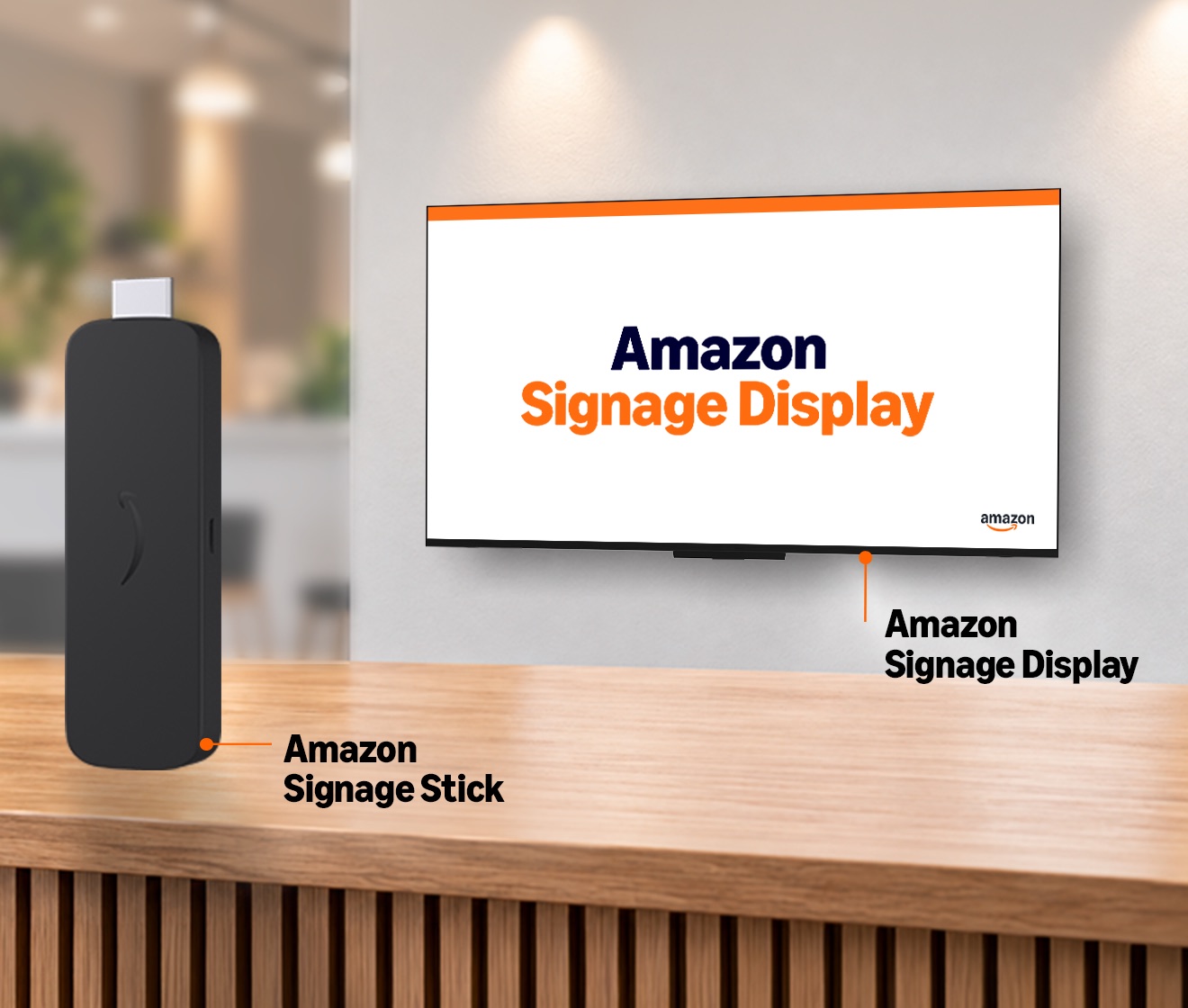
Side by side
| Amazon Signage Stick | Amazon Signage Display | |
|---|---|---|
| What it is | A player that plugs into a TV's HDMI port | A 55-inch 4K screen with the player built in |
| Price (US) | $99.99 | $699.99 suggested price |
| Screen | Any TV with HDMI, any size | 55 inches, 4K, 300 nits |
| Orientation | Landscape or portrait (set in the CMS) | Landscape only (Amazon) |
| Hours | Follows the TV you plug it into | 18 hours a day, 7 days a week |
| Processor | Quad-core 2.0 GHz, 850 MHz GPU | Quad-core 1.908 GHz, 720 MHz GPU |
| Memory and storage | 2 GB, 16 GB | 2.5 GB, 16 GB |
| Wi-Fi | Wi-Fi 6E | Wi-Fi 6 |
| Ethernet | Adapter, $14.99 (micro-USB) | Built in |
| Screen on and off | Over HDMI-CEC, if the TV supports it | Built in |
| Markets | US, Canada, UK, Germany, France, Spain, Italy | US only |
| Setup | Amazon Signage app, then your CMS | The same |
| Warranty | 1 year | 1 year |
Specs come from Amazon's listing for the Stick and Amazon's technical sheet for the Display.
Which costs less?
The Stick, if you already own the screen: $99.99 per screen. With a new screen, a 55-inch TV and a Stick usually still cost less than $699.99. See Amazon Signage Display price for the numbers.
The CMS costs the same either way. It is charged per screen, and a Display counts as one screen, like a Stick.
What the Display saves is not money but parts and steps: no HDMI cable, no extender, no second power plug behind the screen, no TV menus to set (input, sleep timer, HDMI-CEC), and one warranty for screen and player.
Which is easier to set up?
Both take the same app steps: add the device in the Amazon Signage app, connect it to the network, pick your CMS, pair it. The Display skips the part that goes wrong most with a Stick on a TV: the TV itself. With a Stick, the TV has to be on the right HDMI input, its own sleep timer has to be off, and HDMI-CEC has to work for the CMS to turn it on and off. Many TVs ship with CEC switched off under a brand name. The Display has none of that. See HDMI-CEC not working for what a Stick install can hit.
Is the built-in player faster?
No. The Display's processor and graphics are slightly slower than the Stick's on paper, with a little more memory. In practice both handle the same work: images, video loops, menu boards and split-screen layouts. Neither is the right player for several 4K videos at once.
When the Stick is the right choice
- You have TVs already. A Stick is $99.99 per screen.
- Portrait screens. The Stick runs in portrait when your CMS sets it. Amazon supports the Display in landscape only. See Signage Stick portrait mode.
- Other sizes. A 32-inch screen by a till or a 75-inch screen in a hall needs a TV and a Stick.
- 24/7 screens. Pair the Stick with a commercial display rated for continuous use.
- Outside the US. The Display is US-only at launch.
- Bright spots. Pair the Stick with a high-brightness display for a window.
When the Display is the right choice
- New screen, new site. One product to order, mount and plug in.
- No IT person on site. Fewer parts means fewer things a store manager can unplug or set wrong.
- Wired network. Ethernet is built in, no adapter.
- Clean installs. Nothing hangs off the back of the screen.
Can you use both?
Yes. Sticks and Displays sit in the same Amazon Signage account and app, grouped by location, and the same CMS runs on both. A common split: Displays in new locations or where there is no screen yet, Sticks on the TVs that are already on the walls.
Where Brix fits
Brix runs on both, with the same app and the same features. On a Signage Stick or a Signage Display, Brix shows you the live screen, takes screenshots, reboots the device and turns the screen off outside opening hours. A new Brix screen runs 6:00 am to 11:00 pm by default, inside the Display's 18/7 rating.
Our advice: the Signage Stick is the best value, and it is our favourite device. When you want the screen and player in one box, the Signage Display is the best all-in-one for Brix. If the main thing is a low price, a 55-inch TV with a Stick, or a TV with Google TV built in running the Brix app, costs less.
Rolling out 30 or more screens on Signage Sticks? Amazon provides the Sticks free for rollouts that size, and Brix arranges it. See free Amazon Signage Sticks.
Brix costs $6 per screen per month billed annually, or $8 billed monthly, for a Stick or a Display. Buy the Signage Display or the Signage Stick on Amazon, then start a free 7-day Brix trial.