Run a pilot on 1 to 3 screens first, then widen it to about 10 screens across a few locations before you ask for the rollout budget. Use the 7-day free trial and one retail Amazon Signage Stick for each pilot screen. Before you scale, check four things: content, network, who approves the move, and how you measure success.
Many teams call it a 10-screen test for the people who hold the budget. Brix calls it a pilot: a small, real deployment that earns the budget for 30, 100 or more screens. Start a free trial to run yours. If you already know the rollout is 30 or more screens, read the hardware note below before you buy Sticks at retail for the pilot.
Run a small pilot to win the budget
A pilot is not a demo video. It is real content on a real screen, in the place it will run: a store, a lobby, a break room. That convinces the people who sign off the budget for the full rollout.
To start:
- Buy one Amazon Signage Stick at retail price ($99.99) for each pilot screen.
- When the Sticks arrive, sign up for the 7-day free trial. No card is needed.
- During the Stick's own setup, pick "Brix Signage".
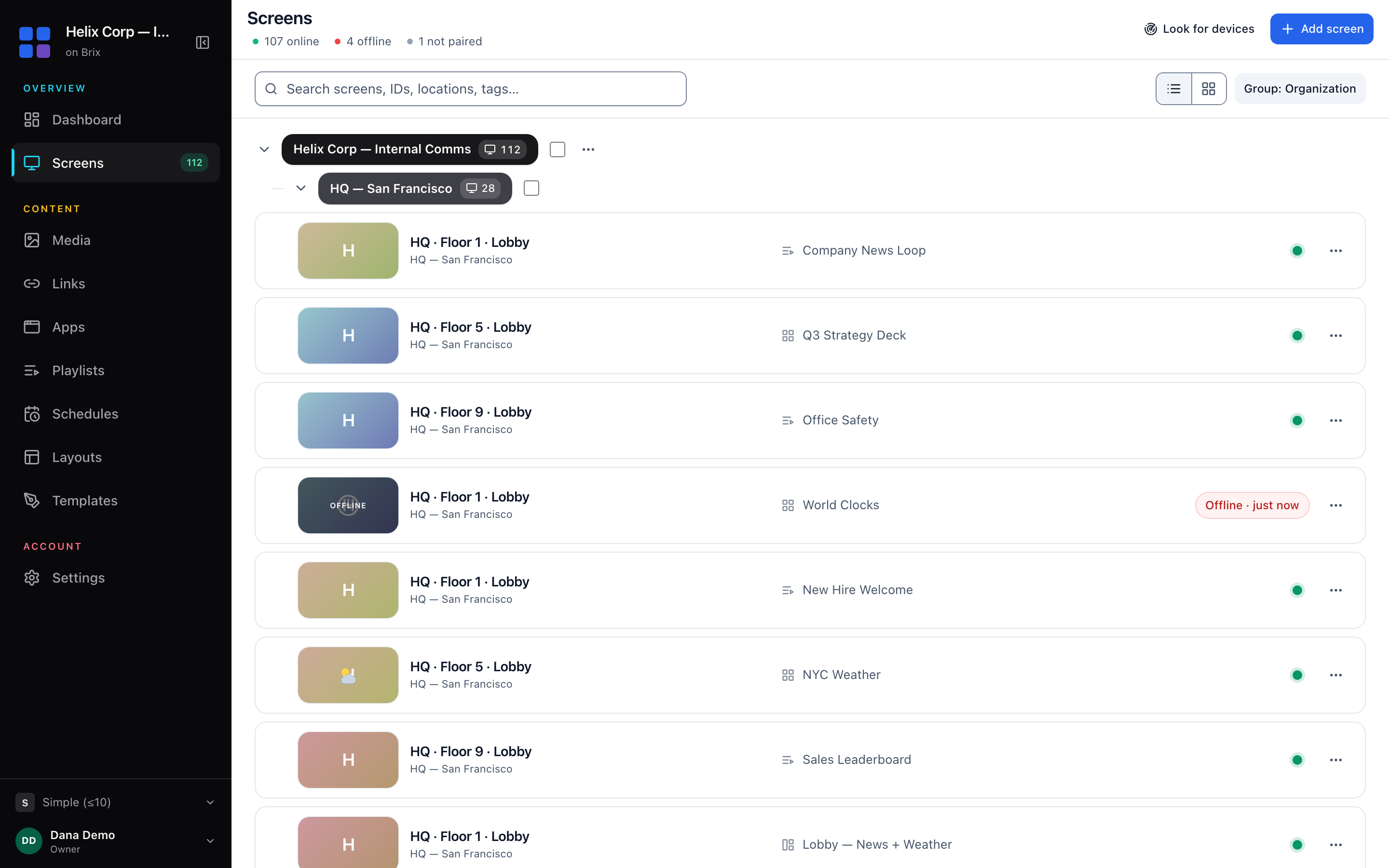
- Pair it in the CMS: Screens > Add screen > Pair a hardware device. Across the Signage Sticks running Brix, pairing takes a median of 2.6 minutes, from the code appearing on the TV to the screen showing up in Brix.
- Put your real content on it: the playlist, the schedule and the layout you plan to use everywhere.
While the workspace is on the free trial, the screen carries a small Brix mark. On a paid plan, you can turn it off in Settings → Brand kit (Logo on screens).
Run the pilot for at least a full week of opening hours, so you see every day it runs, not one afternoon. If you are measuring a change in sales or behavior, run it for 30 to 60 days: a week does not give enough data to show a real shift. The 7-day trial covers a one-week pilot on its own. A longer pilot needs a paid plan ($6 per screen per month billed annually, or $8 billed monthly) before day 7. When the trial ends, the whole account holds, and every screen shows a trial-ended message instead of your content, until you choose a plan.
How many screens for the test
Start with 1 to 3 screens. That is enough to prove the content, the network and the hardware without buying for locations you have not tested yet. A single screen tells you whether the Stick pairs and plays. Two or three, in different rooms or stores, tell you whether the content still works when the room, the Wi-Fi or the staff are not the same.
Once the small pilot works, widen it to about 10 screens across a few locations before you take the rollout budget request to whoever approves it. Many teams call this a 10-screen test: the size that shows a budget holder the result will hold at 30, 100 or more screens, without yet paying for the full rollout.
The pilot checklist: content, network, who approves, success measure
Check these four things before you move from pilot to rollout.
Content
- Build the playlist and schedule you plan to use at every location, not a special pilot-only version. A pilot that runs different content than the rollout tells you nothing about the rollout.
- Set Screen hours so the TV turns off outside opening hours (Standard hours default to 6:00 am to 11:00 pm; use Always on for a 24/7 location). Confirm the TV turns off over HDMI-CEC.
- If more than one person edits content, turn on Approval workflows (Settings → Organization → Feature defaults) so nothing reaches the pilot screen until someone signs it off. That is the same control you will need once stores or staff can edit their own screens.
Network
- Confirm the pilot location's Wi-Fi or Ethernet reaches the screen. The Signage Stick has no Ethernet port; if the location has no reliable Wi-Fi, use Amazon's micro-USB Ethernet Adapter ($14.99).
- Check the screen keeps playing if the network drops for a few minutes. The player keeps the last content cached on the device, so a short outage should not go to a black screen.
- If the location blocks outbound connections by policy, get IT to confirm the Stick's traffic is allowed before the pilot, not after it fails.
Who approves
- Decide who signs off the move from pilot to rollout: usually whoever controls the signage budget, not whoever ran the pilot day to day.
- Give that person a login with the Viewer role, so they can see the real screens and real content instead of a slide deck about them.
- Write down the acceptance criteria before the pilot starts: what "it worked" has to mean. A vague goal ("make sure the screens work") cannot fail, so it cannot convince anyone either.
Success measure
- Pick one measure tied to why you are doing this: screen uptime over the pilot period, how fast a content change reaches the screen, or how many stores asked for the same setup.
- Turn on proof of play (Settings → Organization → Feature defaults; off by default) if you need a record of what played and when, rather than a description after the fact.
- Compare the pilot's result against the acceptance criteria you wrote down, not against how it felt.
From pilot to a rollout: where free hardware comes in
A pilot on 1 to 3 screens uses a Stick you buy at retail. A rollout of 30 or more screens is different: Amazon provides Signage Sticks free for a rollout of 30 or more screens, and we arrange free Sticks with Amazon on your behalf. You still pay the usual per-screen price for Brix itself; the free part is the hardware, not the software.
Once your pilot proves out, we plan the rollout hardware with you. See our digital signage implementation plan for the full project phases: prepare, test, pilot, rollout and handover.
FAQ
How many screens should a digital signage pilot use?
Start with 1 to 3 screens to prove the content, the network and the hardware. Once that works, widen the same pilot to about 10 screens across a few locations before you take the budget request for a full rollout. Many teams call this a 10-screen test.
How long should the pilot run?
Run it for at least a full week of opening hours. If you are measuring a change in sales or behavior, run it for 30 to 60 days. The 7-day free trial covers a one-week pilot; a longer pilot needs a paid plan before day 7, or the trial ends and every screen shows a trial-ended message.
Who should approve moving from pilot to rollout?
Whoever controls the rollout budget, checking the pilot against the acceptance criteria you wrote down before the pilot started, not a general impression of how it went.
Does Brix give a free Signage Stick for the pilot?
No. You buy the pilot's Stick at retail ($99.99 each). Amazon provides free Sticks for a rollout of 30 or more screens; we arrange that with Amazon once you are ready to size the rollout.
What should I measure to call the pilot a success?
One concrete number tied to your reason for piloting: screen uptime, how fast a content change reaches the screen, or proof of play if you need a record of what aired. Decide the number before the pilot starts.
Start your free trial to run the pilot.