Church Digital Signage: What to Show and Where
Church digital signage explained: what lobby and hallway screens should show, where they go, what hardware and software a church needs, and the cost.
Church digital signage is a set of TVs in the lobby, hallways and children's area that show service times, announcements, events and giving, updated by staff or a volunteer instead of printed each week. Most churches start with one lobby screen and add hallway and kids' check-in screens. Each TV needs a small media player behind it (about $40 to $100) and signage software (usually $6 to $30 per screen per month; some vendors discount for churches and non-profits). Brix is one option for church lobby and hallway screens, at $6 per screen per month billed yearly, or $8 month to month.
Signage is not the same as worship presentation software. Lyrics, scripture and sermon slides on the sanctuary screens during a service come from presentation software (ProPresenter, EasyWorship and similar) run by an operator. Signage runs by itself on screens around the building, all week.
What should church screens show?
- Welcome and service times. For first-time visitors: this Sunday's services, where the sanctuary, nursery and restrooms are, and where to find a greeter.
- Announcements. The loop that replaces reading announcements from the front and the notices in the bulletin.
- Events and sign-ups. Small groups, youth nights, mission trips, volunteer teams, each with a QR code to sign up.
- The sermon series. This week's series title and scripture reference.
- Giving. A QR code for online giving, or progress toward a building or mission campaign.
- Room assignments. Which class meets where this week, next to the classrooms.
- Kids' area. Check-in reminders, this week's lesson, pickup instructions.
- Countdown before the service, on lobby screens, so people move in on time.
Keep each slide to one message and a date. People read lobby screens while walking in with children and coffee.
Where should the screens go?
- The main lobby or foyer. Every attendee passes it before and after the service.
- The children's check-in area, for parents while they wait.
- Hallways and outside classrooms, for room assignments and the next event.
- A café or fellowship hall, where people stay longest after the service.
Sanctuary screens are usually run by presentation software during services. If you want announcements on them before and after, choose signage and presentation tools that can share the same screens, or switch inputs.
What hardware does a church need?
- The TV. 43 to 55 inches for a lobby or hallway. Larger for a fellowship hall read from across the room.
- A media player. The Amazon Signage Stick costs $99.99 and is built for signage. An Android box such as the Walmart onn. 4K costs $39.98 (list prices, September 2026).
- Ethernet where you can. Church Wi-Fi is often weakest in the halls where screens go. Amazon's micro-USB Ethernet Adapter for the Signage Stick costs $14.99.
- An outdoor marquee is a different product. An LED reader board outside the building is bought from an outdoor-sign maker and has its own software.
What should church signage software do?
- Let a volunteer update it from a phone, without breaking the design.
- Repeat weekly. Pre-service content on Sunday morning, midweek events on Wednesday, set once.
- Take content down on a date, so last month's event does not stay on screen.
- Cover several campuses from one account, with each campus team seeing only its own screens.
- Keep playing offline, from content stored on the player.
- Turn the TVs off when the building is empty.
What does it cost?
For a church with 5 screens (lobby, kids' check-in, two hallways, café) on TVs it already owns: about $500 once for five players, and $360 to $1,800 a year for software at $6 to $30 per screen per month. Rise Vision lists non-profit plans from $119 per display per year (its pricing page, September 2026). See how much digital signage costs.
Mistakes churches make with screens
- Out-of-date events. Give every slide an end date.
- Slides built like bulletin pages. Ten announcements on one slide are read by no one.
- One person who knows how it works. Pick software a new volunteer learns in one sitting, and give two people access.
- Consumer TVs on all week. Set on and off times that follow the building's hours.
Where Brix fits
Brix is signage software that runs on the Amazon Signage Stick, Fire TV, Android boxes and Windows PCs. It costs $6 per screen per month billed annually, or $8 billed monthly, so the 5-screen church above pays $360 a year. There is a 7-day free trial with no card.
- Volunteer-safe designs. Staff build a design once and share it locked, so a volunteer changes this week's date and title but not the layout.
- A weekly grid. Schedules repeat every week: welcome content before the service, next steps after.
- Campaigns and countdowns. The Goal Tracker app shows progress toward a giving goal, and the Countdown app counts down to the service or an event.
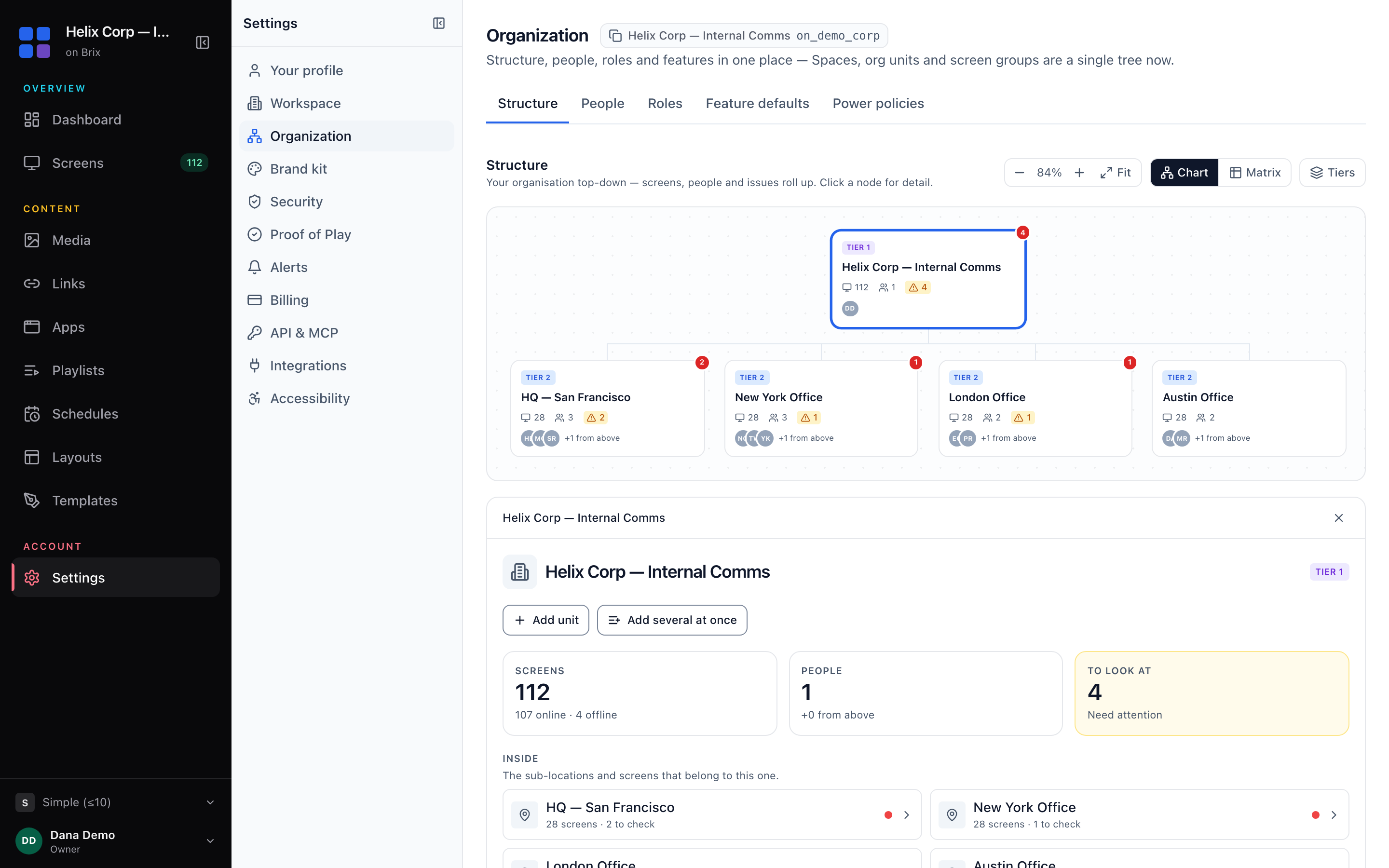
- Several campuses. Roles and locations let a volunteer see only their own building's screens, for example the kids' area but not the lobby.
- Offline. Content is stored on the player and keeps playing when the Wi-Fi drops.
Setup takes about 10 minutes per screen. Brix does not run lyrics or scripture during a service; keep your presentation software for the sanctuary. It also does not run outdoor LED marquees.
Start your free 7-day trial. No card needed.
Put Brix on your screens
Live in about 10 minutes. One plan: $6/screen/month billed annually ($8 month to month). No credit card to try.
Start Free TrialBrix for other industries