TelemetryTV bills per device across three tiers and gates some features behind the higher ones. The best alternatives either charge one price per screen or make the trade-offs clear up front. Brix charges one price per screen on every plan; Yodeck and OptiSigns both offer a free entry point; Kitcast, ScreenCloud and Rise Vision suit specific deployment types. Start a free trial or read the comparison below first.
Why people look past TelemetryTV
TelemetryTV's Entry plan costs $9 per screen per month, or $8 billed annually, with no minimum device count. Core costs $15 per screen per month, or $13 annually. Elite costs $16 per screen per month on an annual term only, with a 10-screen minimum.
Two things push buyers to compare alternatives:
- The Programmatic API sits behind Core, not Entry. A buyer who starts on Entry and later needs the API must move to Core, which raises the per-screen cost from $8 to $13 a month (annual) before anything else changes.
- TelemetryTV is known for its dashboard connectors (Power BI, Tableau and Grafana), but it also sells menu boards, kiosks and general content playlists. A buyer who picked it for the dashboard app, then finds most other signage platforms cover playlists, apps and schedules just as well, has less reason to stay on a per-device plan once screen count grows.
Compare TelemetryTV alternatives at a glance
| Platform | Price per screen | Best for |
|---|---|---|
| Brix | $6/month annual, $8 monthly | One price per screen, with website/dashboard display and live data included |
| Yodeck | $8/month (same annual or monthly); free for 1 screen | A single free screen, or a small budget |
| OptiSigns | $9/month annual, $10 monthly; free up to 3 screens | Trying multiple screens before paying |
| ScreenCloud | $20/month annual, $24 monthly | A large third-party app ecosystem |
| Kitcast | $7/month annual, $9 monthly | Apple TV hardware and schools |
| Rise Vision | $11/month annual ($132/year), $12 monthly | K-12, higher-education and nonprofit pricing |
Brix
Price: $6 per screen per month, billed annually, or $8 billed monthly. One plan. No tier to climb for the API, live data or website display.
Best for: A buyer who wants one price per screen and no feature gate.
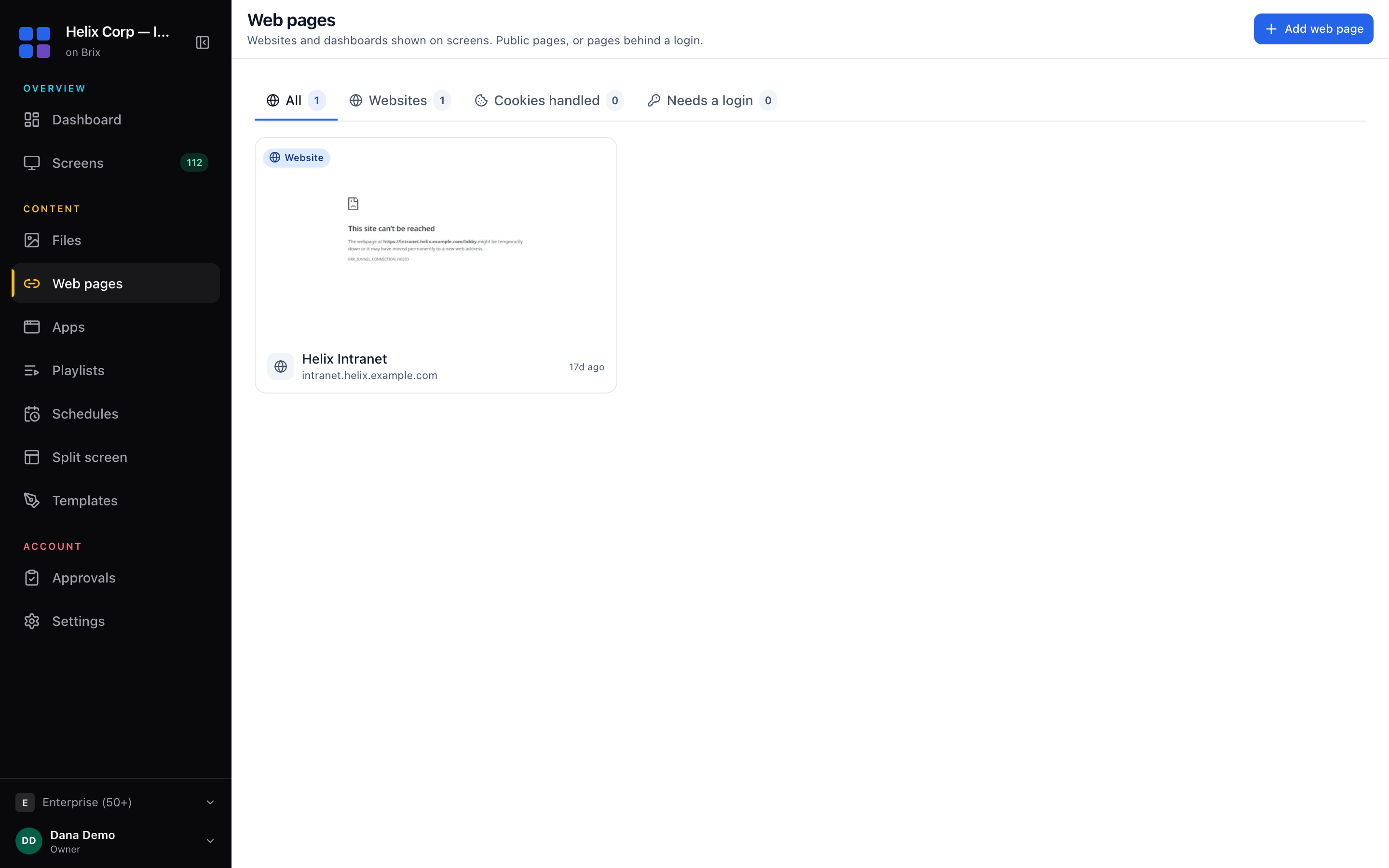
Strengths: Brix shows a website or dashboard on screen on every plan, with auto-refresh set to never, every 5 minutes, every 15 minutes or every hour. It also pulls live data from a Google Sheet, a CSV upload or a JSON feed into a design, again on the one plan. A connected Google Sheet syncs about every two hours, with a manual refresh button; a JSON feed updates live.
Watch out for: Brix does not span one design across multiple screens as a single video wall. A buyer who needs synced video-wall output should look at a platform built for that instead.
Yodeck
Price: $8 per screen per month, the same rate monthly or billed annually. A single screen is free, forever.
Best for: Someone who wants to run one screen at no cost, or who wants the lowest paid per-screen price in this list.
Strengths: The free plan has no time limit. The annual plan includes a physical Yodeck Player at no extra cost.
Watch out for: Yodeck is raising Premium and Enterprise by $1 per screen per month (monthly and annual) from April 2026. Basic stays at $8.
OptiSigns
Price: $9 per screen per month billed annually, $10 monthly, for the Standard plan. Free for up to 3 screens, with the OptiSigns logo on screen.
Best for: Testing a multi-screen deployment before paying anything.
Strengths: The free tier covers 3 screens, more than most competitors' single free screen.
Watch out for: The Enterprise plan needs a 25-screen minimum. Below that, Pro Plus is the next step up from Standard, at $13.50 to $15 per screen per month.
ScreenCloud
Price: $20 per screen per month billed annually, $24 monthly, for the Core plan. No published screen minimum.
Best for: A buyer who wants to add paid third-party apps as the deployment grows.
Strengths: Pricing scales from a single screen with no minimum.
Watch out for: It is the most expensive platform in this list per screen. Enterprise has no public price; you contact sales.
Kitcast
Price: $7 per screen per month billed annually, $9 monthly, for the Starter plan.
Best for: Apple TV deployments and schools.
Strengths: The lowest paid per-screen price in this list apart from Yodeck's Basic plan.
Watch out for: There is no free plan. Pro, at $10 to $14 per screen per month, is needed for some features Starter does not include.
Rise Vision
Price: $11 per screen per month billed annually ($132 per year), $12 monthly, for the Basic Business plan. K-12, higher-education and nonprofit buyers pay $119 per year on the same tier.
Best for: Schools, colleges and nonprofits, where the sector rate undercuts the business rate.
Strengths: The sector discount applies automatically on the K-12 and nonprofit tabs of the pricing page.
Watch out for: Advanced and Enterprise show no monthly price at all, annual billing only, so budget for the year up front.
The Signage Stick, and free sticks at scale
Brix runs on the Amazon Signage Stick, a $99.99 device with about a 10-minute setup: plug it in, pick "Brix Signage" during the stick's own setup, then pair it in the CMS under Screens > Add screen > Pair a hardware device.
Amazon provides Signage Sticks free for rollouts of 30 or more screens. Contact Brix and Brix arranges it with Amazon.
FAQ
Is there a free TelemetryTV alternative? Yes. Yodeck is free for one screen, forever. OptiSigns is free for up to 3 screens, with its logo on screen.
Which alternative includes API access without an upgrade? Brix does, because it has one plan with nothing gated behind a higher tier. TelemetryTV holds its Programmatic API back from the Entry plan; Core or above is needed to get it.
See the Brix pricing page for the full plan.