Digital Signage for Warehouses
Digital signage shows safety counters, live KPI numbers and shift alerts to warehouse staff who have no company email.
Digital signage for warehouses is screens on the floor, at dock doors and in break rooms that show safety counters, live pick-rate or throughput numbers, shift schedules and emergency alerts. It reaches frontline staff who have no company email, in the places they already stand: a time clock, a locker room, a pick zone.
What shows on a warehouse screen?
Most warehouse deployments rotate a small set of content:
- A safety counter, such as days since the last recordable incident, next to hazard or PPE reminders.
- Live KPI numbers: units picked per hour, orders packed against a shift target, on-time shipments, or a backlog count.
- Shift and zone assignments, so a crew sees where to start without a supervisor repeating it.
- Dock and yard status: which bay a truck should pull into, and what is loading or staged.
- Recognition: a monthly award, a work anniversary, a safety milestone.
- An emergency message, replacing everything else the moment one is triggered.
Where warehouses put the screens
Put screens where a shift passes or pauses, not in a hallway nobody uses:
- Zone entry points — the door into a pick or pack area, so the rule or target for that zone is the first thing a worker sees.
- Break rooms and near time clocks — longer content: recognition, full KPI boards, company news.
- Dock doors and the yard office — shipment status and which bay to use.
- Main aisles and entrances — facility-wide numbers and alerts.
Match screen size to viewing distance. As a rule of thumb, a 43-inch screen reads clearly from up to about 10 feet, which fits a zone entry or break room. A 55-inch screen reaches about 16 feet, and a dock or yard screen viewed from 18 feet or more needs 65 inches or larger.
How does the data get onto the screen without typing it in?
A screen is only as current as its last manual update, so the content worth automating is anything that changes every shift: the pick count, the incident counter, today's backlog.
| Method | Setup | Updates | Fits |
|---|---|---|---|
| Type it in by hand | None | Someone edits it each shift | A target that rarely changes |
| Connect a Google Sheet | Sign in with Google, pick the sheet and range | Picks up a sheet change within about three minutes | A shared spreadsheet several people edit |
| Show a dashboard page | Paste the published link | Runs live, or refreshes every 5 to 60 minutes if the page needs a sign-in replayed | An existing Power BI, Tableau or Grafana report, or a browser-based WMS dashboard such as Manhattan, Blue Yonder or SAP EWM |
None of these need a developer. Live data on a screen covers the setup for the sheet method.
Several warehouses, one account
A company with more than one warehouse runs every site from one account. Each site gets its own space for its screens and content. A head-office role can see or update every site from one login.
Content that changes by shift
A schedule plays different content at different times of day on the same screen. Set one up so the morning crew sees the night shift's results at the 6 am handover, and the afternoon crew sees its own target at 2 pm, with no manual swap.
Why warehouses use screens instead of email
Frontline staff who have no company email will not open an inbox for a safety notice or a shift change. A warehouse is also often a mixed, unmanaged set of hardware bought over several years — an old TV here, an older media player there, a screen nobody can update without walking over to it. Signage that runs from one account, over the network, fixes both problems: the content reaches people where they stand, and a manager updates every screen from one place instead of walking the floor with a USB stick. Digital signage for employee communication covers reaching shop-floor staff in more depth.
Where Brix fits
One system for a mixed set of screens
Brix runs on the Amazon Signage Stick, Fire TV, Android boxes such as the Walmart onn., TVs with Google TV or Android TV built in, and the Windows player. A warehouse with a mix of TVs bought over the years can put one of these players behind each TV. One account then manages every screen, with no separate tool per device.
Safety counters and live numbers from your own data
The Days Since app counts the days since a date you set — for example, the last recordable incident, or the day a site opened — with no spreadsheet needed. The Countdown app counts down to a date instead, for a safety-audit deadline or the end of a shift. For a number that comes from your own system, the Google Sheets app (beta) shows a live table or a row of KPI figures straight from a sheet you choose. Brix reads only the sheet you pick, and never changes it.
Showing your WMS or BI dashboard on the screen
Brix shows a web page full screen on a schedule: a published Power BI or Tableau report, a Looker Studio page, or a browser-based WMS dashboard such as Manhattan, Blue Yonder or SAP EWM.
- A public page with no sign-in runs live on the screen, showing the actual page, not a picture of it.
- A page that needs a sign-in needs one step from you: record the sign-in once. Brix replays it to take a snapshot every 5, 15 or 60 minutes.
- A page on the warehouse's own network opens directly on the screens at that site and runs live. Brix stores only the address, so it shows no preview. If that page also needs a sign-in, an on-site render agent our team sets up shows it as a snapshot, with no credential leaving your network.
Show a website or dashboard covers the setup.
Put an urgent message on every screen at once
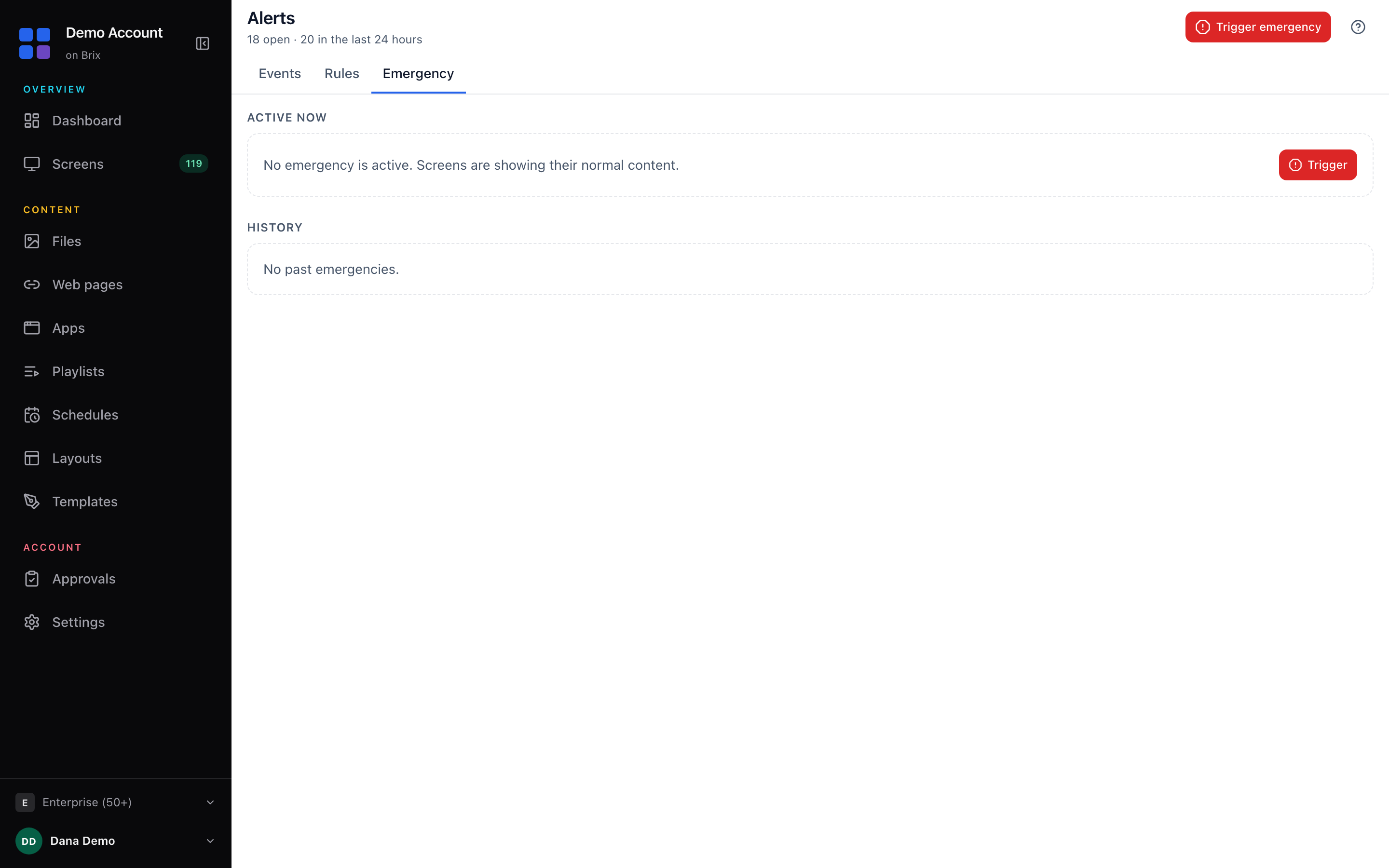
Brix connects to CAP and webhook alert systems such as Singlewire, Rave and Alertus. Our team configures the connection with you. Without that connection, an emergency takeover from inside Brix replaces every screen's content with one message until someone clears it. Alerts and emergencies covers both routes.
Where consumer hardware is not the right fit
The Signage Stick, Fire TV and consumer Android boxes, such as the Walmart onn., carry no industrial, dust- or water-resistant rating. For a loading dock or yard screen exposed to weather, dust or extreme heat and cold, use a sealed industrial PC or a rugged Android box instead. The Windows player installs on any Windows PC, and the Android player on any Android box, so Brix still runs on that hardware. Keep the Stick, Fire TV and consumer boxes for the sheltered parts of the building — pick zones, break rooms, offices and covered dock areas.
What it costs
Brix is $6 per screen per month billed annually, or $8 billed monthly, with a 7-day free trial and no card needed. For 10 screens (two zone entries, two dock doors, break room, time clock area, office, yard window and two main-aisle boards):
| Item | One time | Per year |
|---|---|---|
| 10 Amazon Signage Sticks at $99.99 | $999.90 | |
| Brix at $6 per screen per month, billed annually | $720 |
The first-year total is $999.90 plus $720, or $1,719.90. From year two, with the same hardware, it is $720 a year.
The example counts players only, not displays, so it assumes a TV is already mounted at each spot. A TV with Google TV or Android TV built in installs Brix directly from Google Play, which skips the hardware line above. An older TV with no smart platform still needs a Signage Stick, Fire TV or Android box plugged into its HDMI port.
Start a free 7-day trial to put a safety counter and a live number on your own warehouse screen.
FAQ
Does a warehouse screen need the internet to keep playing?
No, not continuously. A screen caches the content it already has, up to half the player's storage, so it keeps playing its last playlist through a network drop. It needs the network again to pick up a new number or a new message.
Can a non-technical shift lead update the screen content?
Yes. Connecting a Google Sheet, or editing a Days Since or Countdown app's date, needs no code. Recording the sign-in for a dashboard behind a login is also self-serve. Only a render agent, for an internal page behind a sign-in, needs our team.
Can one screen show safety content and another show KPIs?
Yes. Each screen runs its own playlist, so a pick-zone screen can show live throughput while a break-room screen nearby shows the safety counter and recognition content, on its own schedule.
Put Brix on your screens
Live in about 10 minutes. One plan: $6/screen/month billed annually ($8 month to month). No credit card to try.
Start Free TrialBrix for other industries